
Start with Jamjams on iPhone
For most iPhone users, Jamjams is the easiest way to use Just My Socks. It is the provider-supported app and can handle the common Shadowsocks and V2Ray connection types without making you rebuild every profile by hand.
Use the official Jamjams guide when you want the shortest setup path: Download Jamjams for iPhone.
The Potatso Lite path below is still useful if you already use that client, want to inspect the Shadowsocks fields yourself, or need a manual profile for troubleshooting.
Open your service details
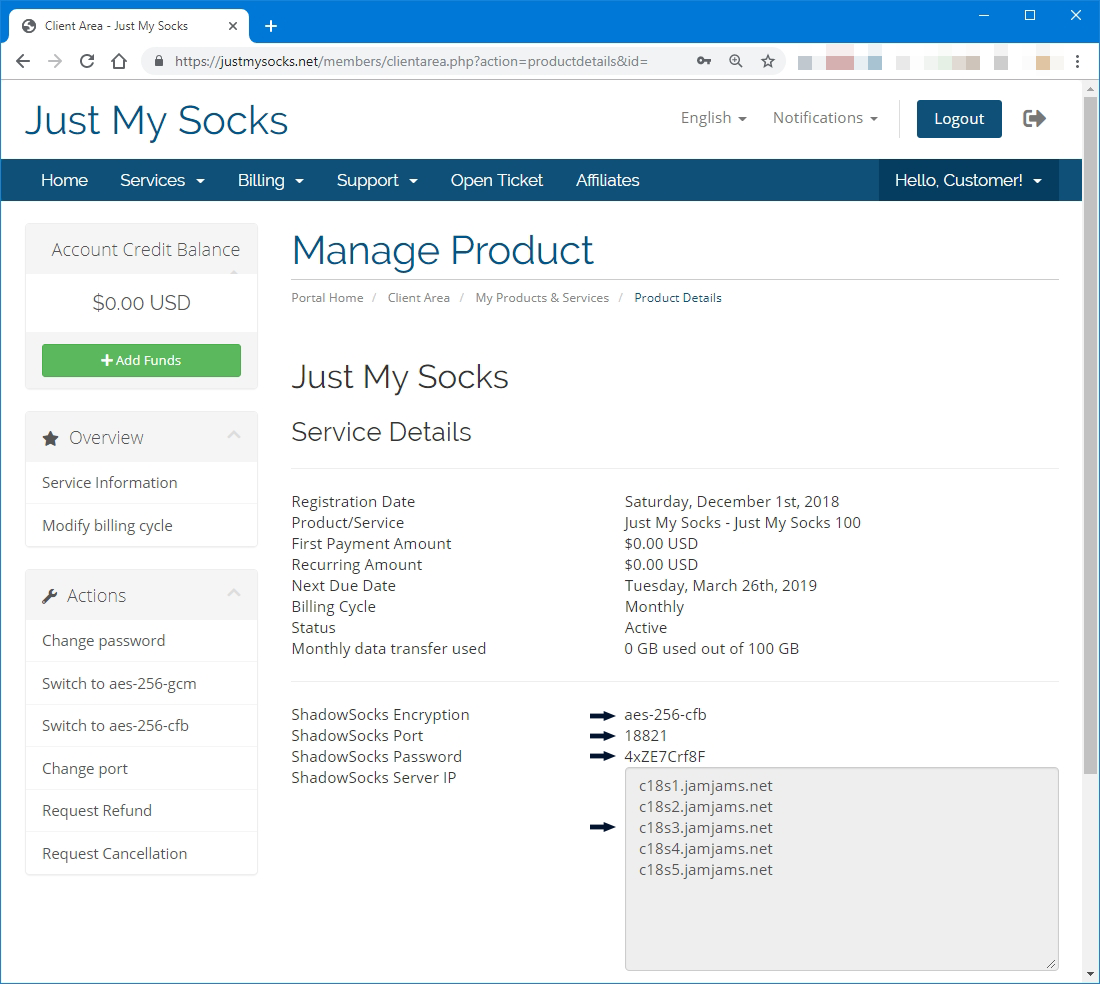
Before setting up the iPhone client, sign in to Just My Socks, open Services → My Services, and choose the active service you want to use. Keep the service details page open while you configure the app.
You will need the server address, port, password, encryption method, and any plugin or OBFS values shown for the selected service.
Install and open Potatso Lite
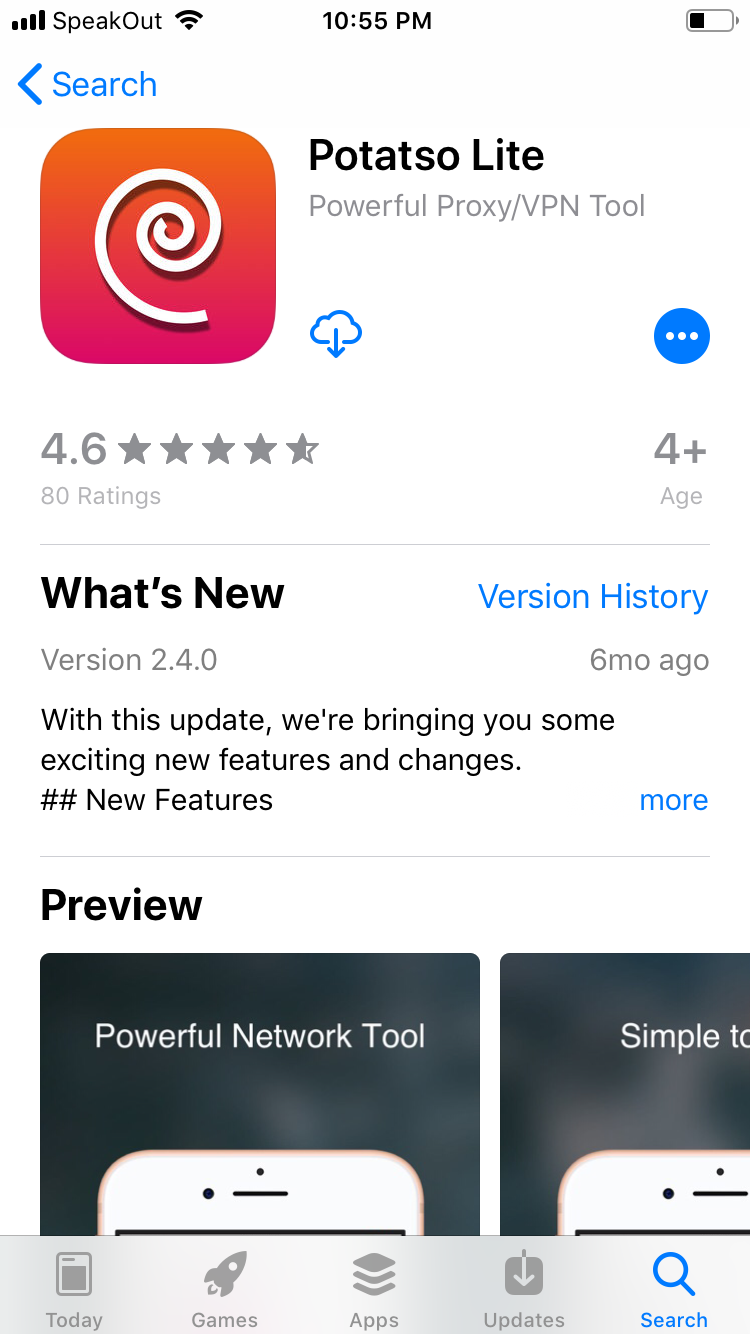
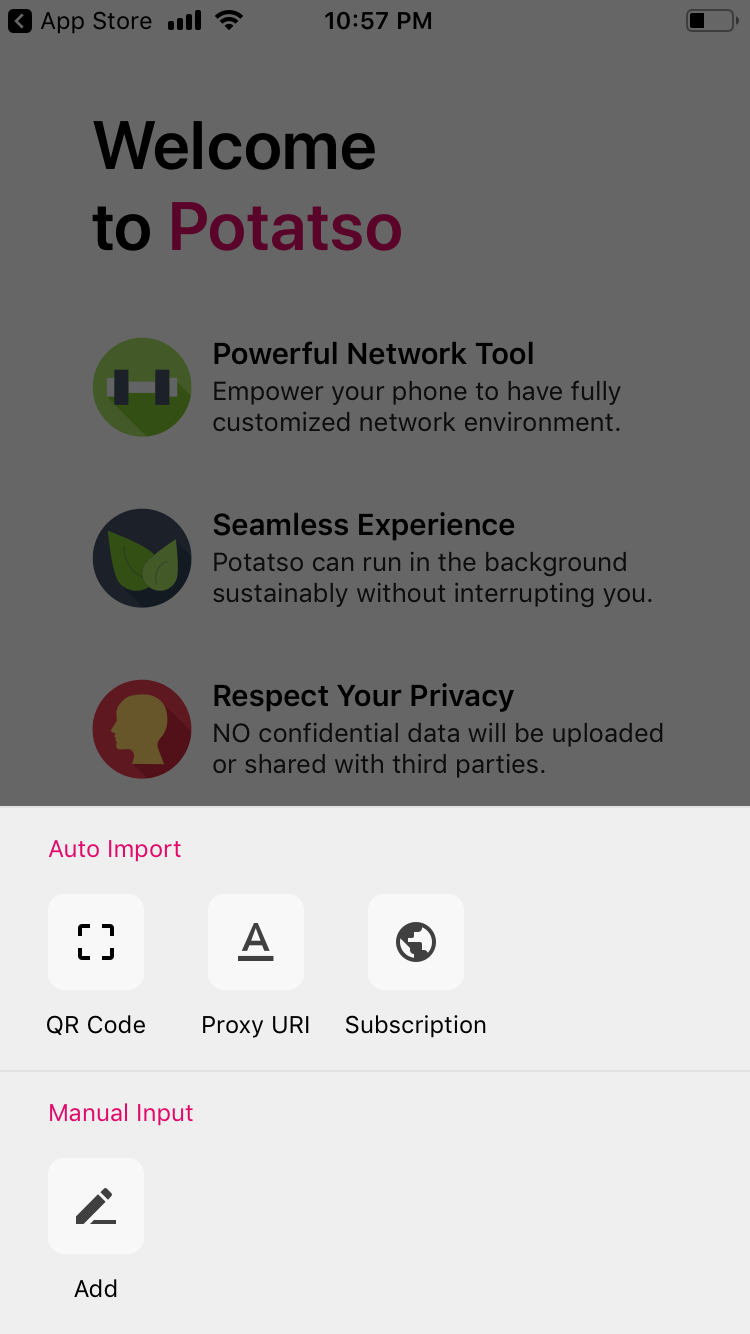
Install Potatso Lite and begin the first-run setup.
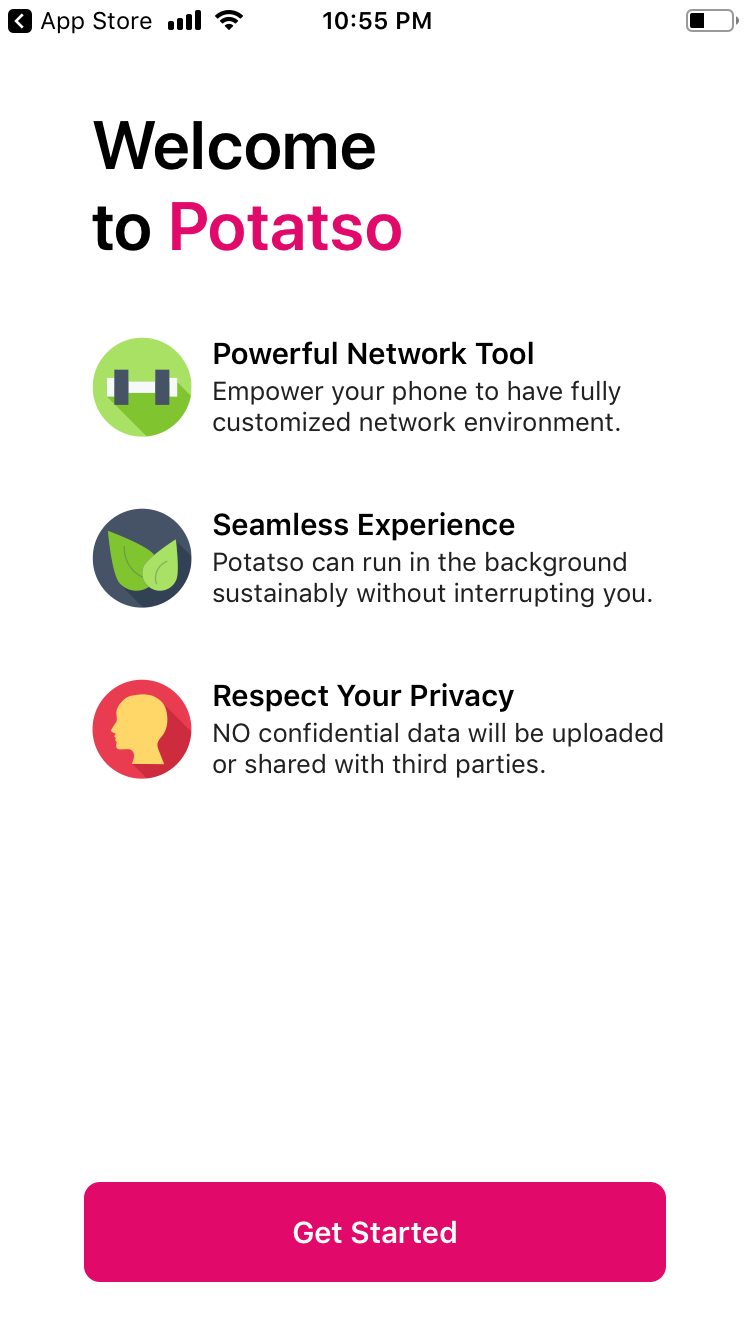
When the app asks whether to add a proxy connection, choose the add option and continue to the profile editor.
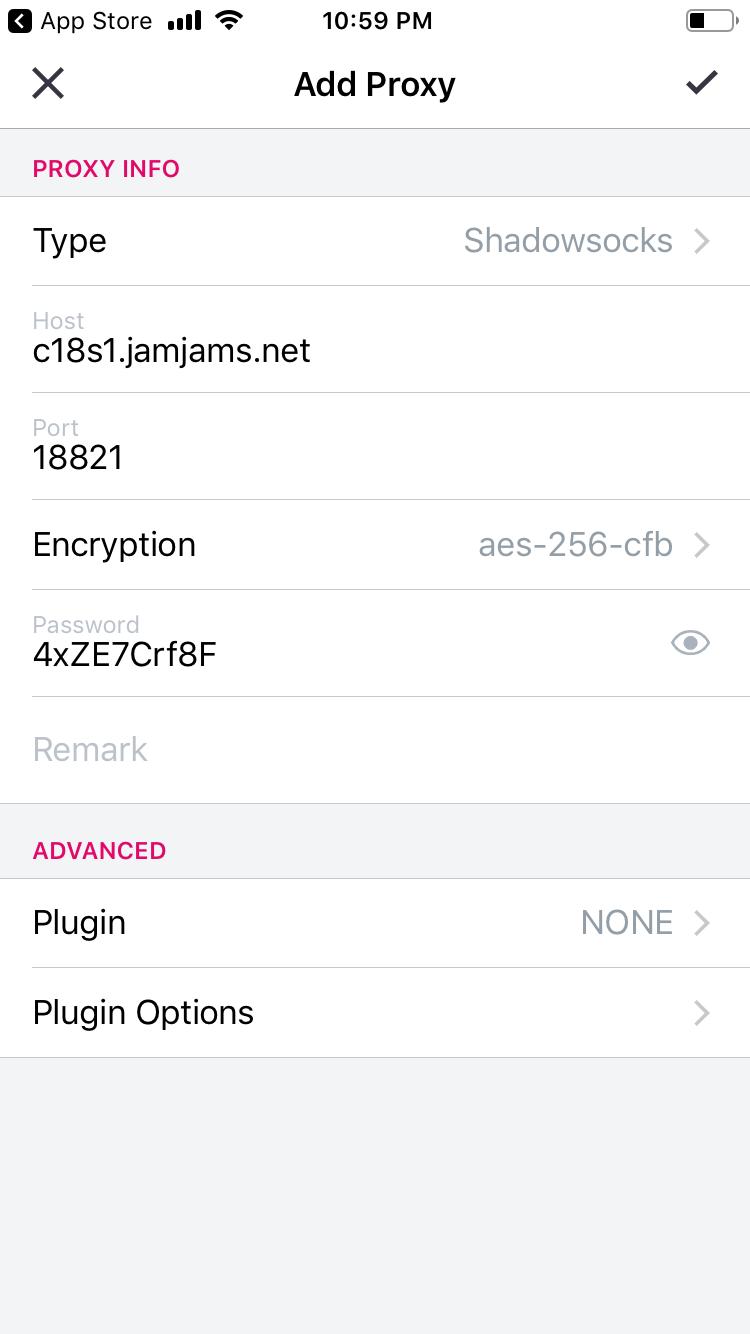
Enter the Shadowsocks values
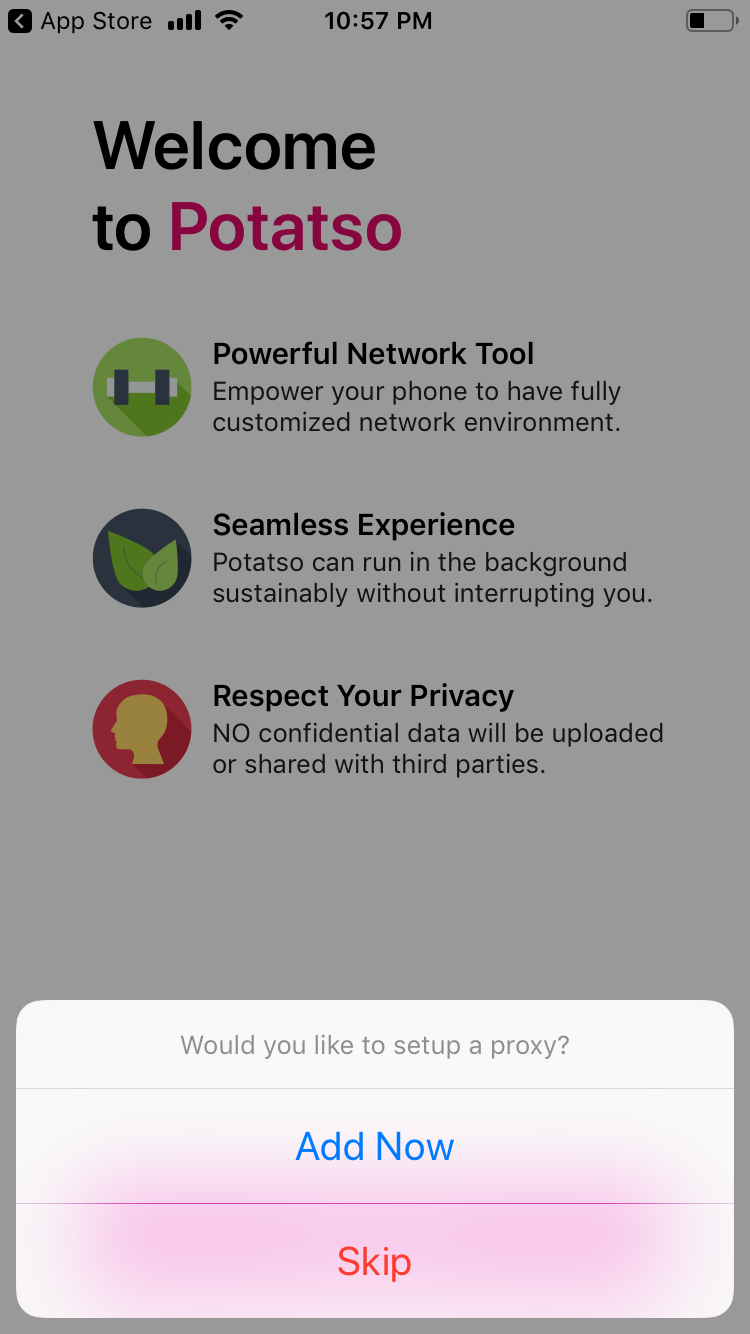
Copy the server, port, password, and encryption method from your Just My Socks service details into the matching fields in Potatso Lite.
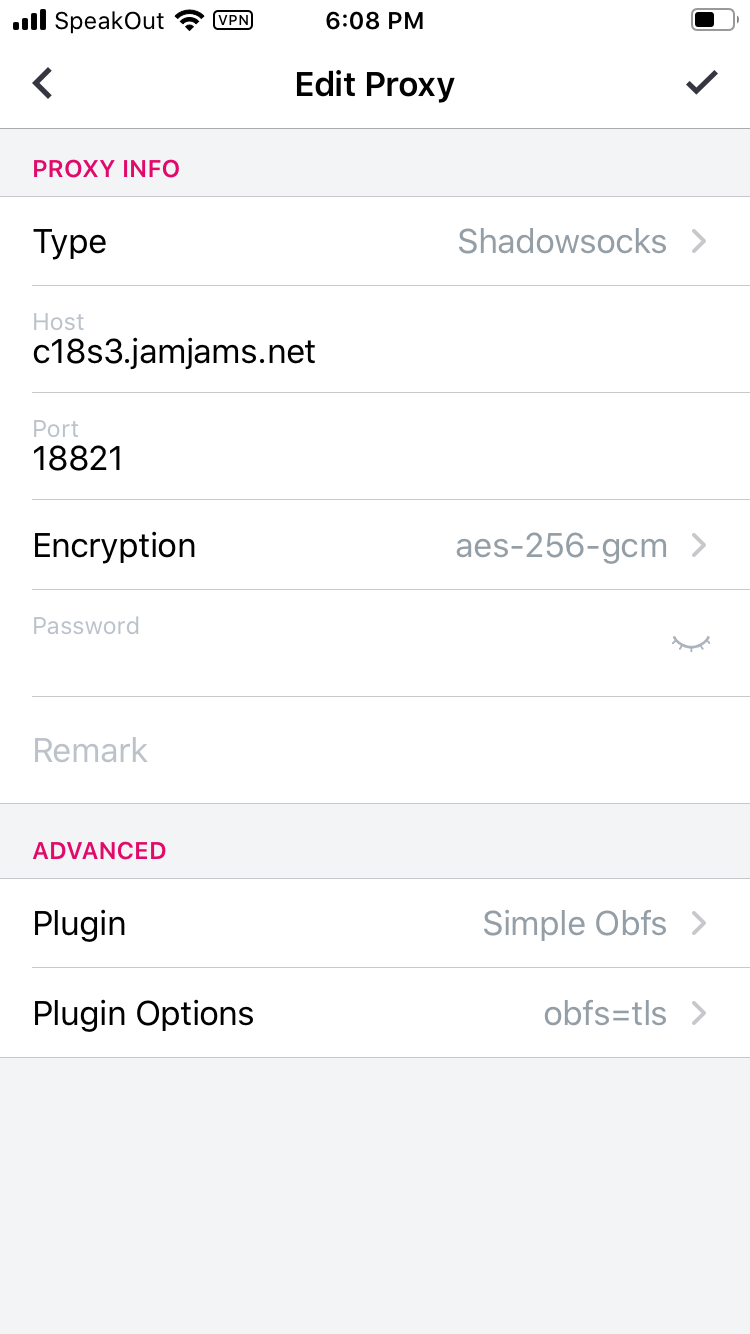
Add OBFS when your service requires it
Some Just My Socks Shadowsocks servers include OBFS plugin settings. If your panel shows plugin details, enable the plugin fields in Potatso Lite and copy the plugin name and plugin options exactly.
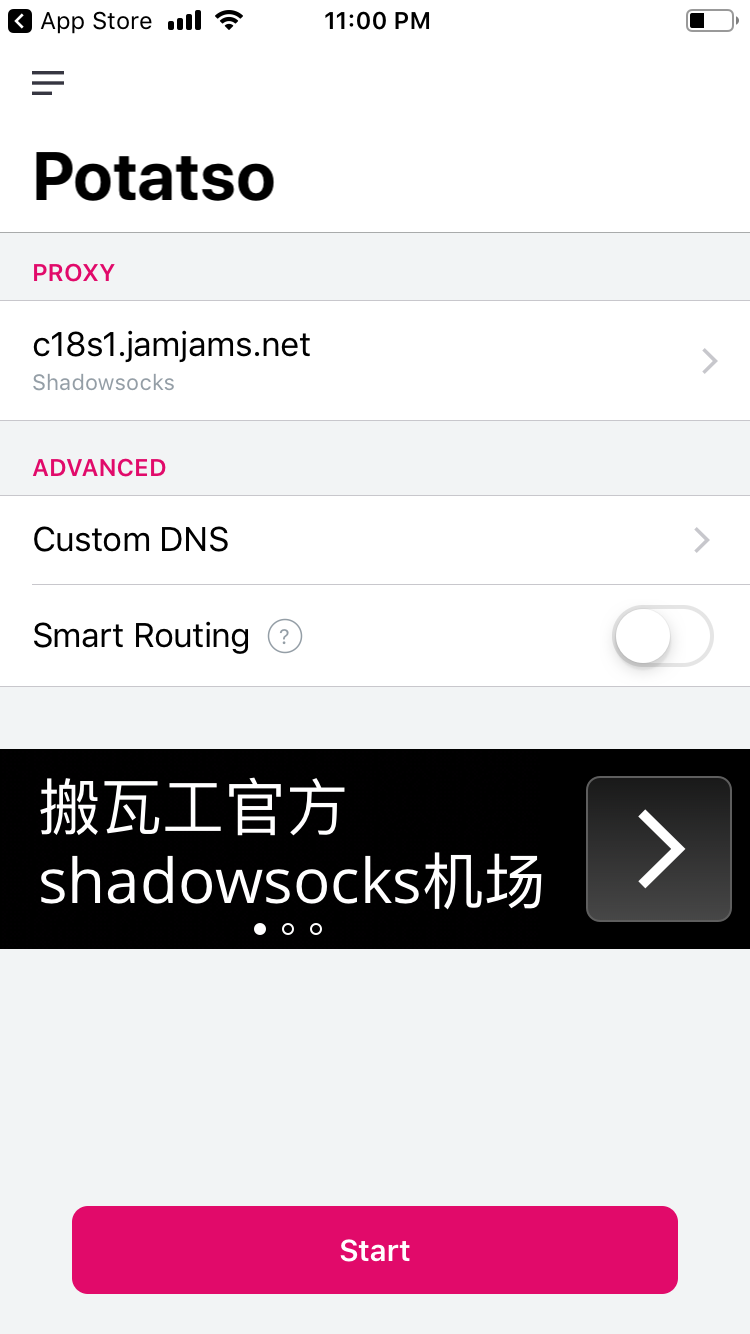
Smart Routing can reduce proxy traffic by sending some sites directly, but for a first connection test it is simpler to leave routing unchanged until the basic profile works.
Start the iPhone connection
Tap the start button to enable the profile.
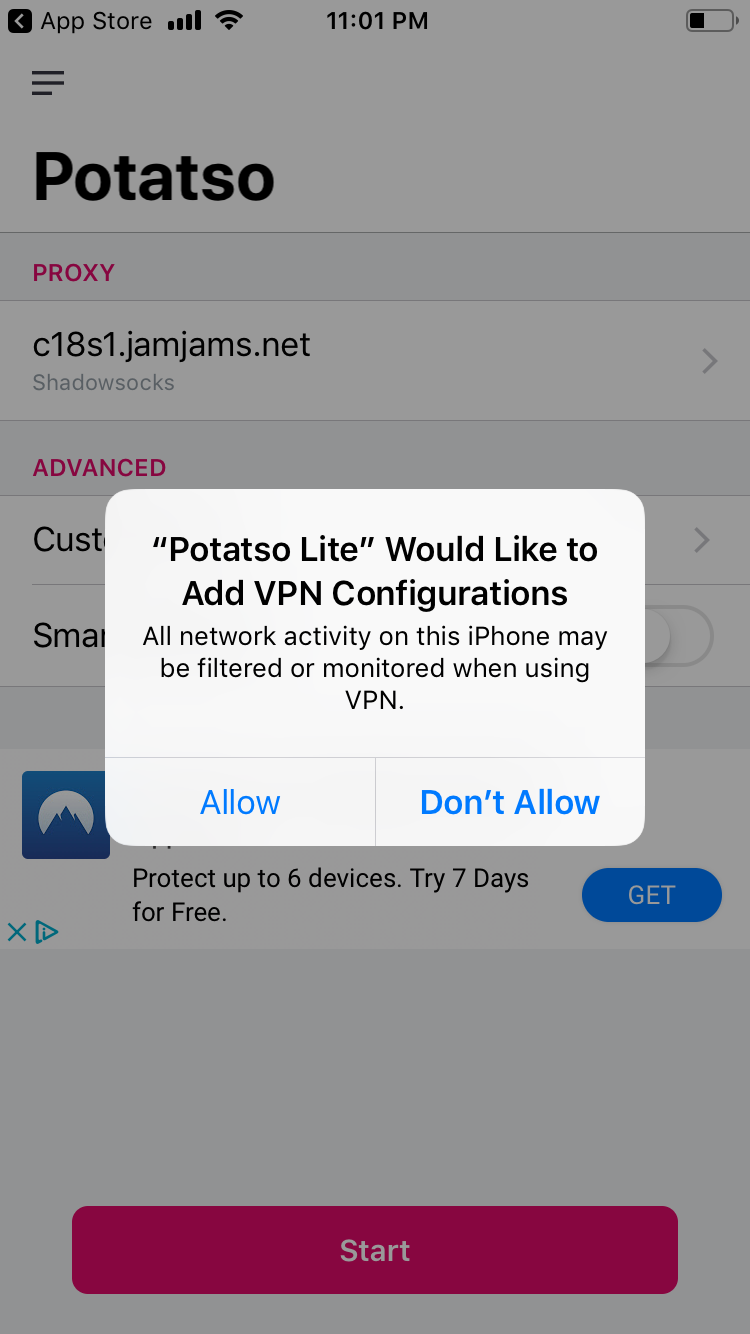
iOS will ask for permission to add or enable the VPN configuration. Allow it so Potatso Lite can create the local VPN tunnel.
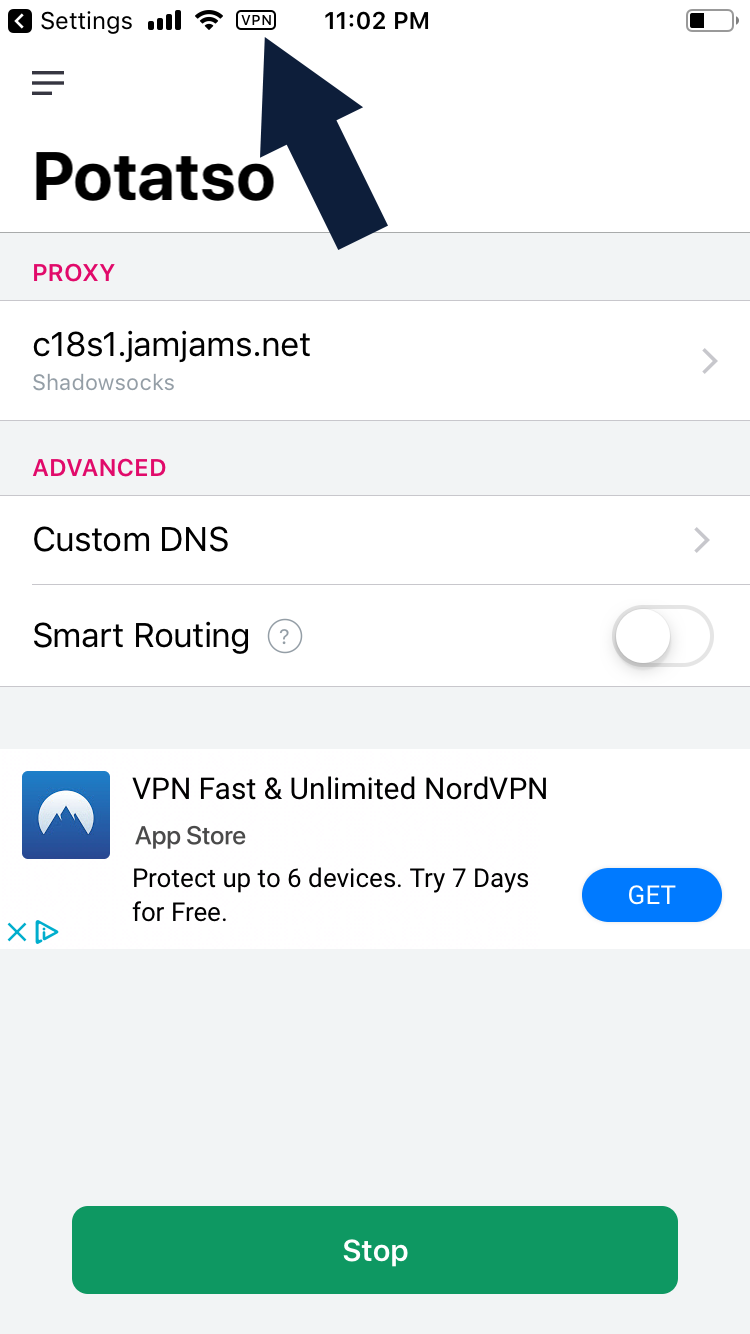
When the profile is active, test a few websites to confirm traffic is using Just My Socks.
If the connection does not work, compare every field against the service panel again before switching apps or routes. Server, port, password, encryption, plugin, and plugin options all need to match.