
Start with Jamjams on iPhone
For most iPhone users, Jamjams is the simplest way to use Just My Socks. It is the provider-supported path, handles common Shadowsocks and V2Ray connection types, and reduces the amount of manual profile editing you need to do on the phone.
Open the official Jamjams guide from your account resources when you want the shortest setup path: Download Jamjams for iPhone.
The Shadowrocket path below is useful if you already use Shadowrocket, want to inspect the V2Ray values yourself, or need a manual VMess profile for troubleshooting.
Open your service details
Before creating the iPhone profile, sign in to Just My Socks and open Services → My Services. Select the active service you want to use on this iPhone and keep that page open.
You will need the server address, port, password, UUID or user ID, transport type, TLS setting, and any other V2Ray values shown in the panel.
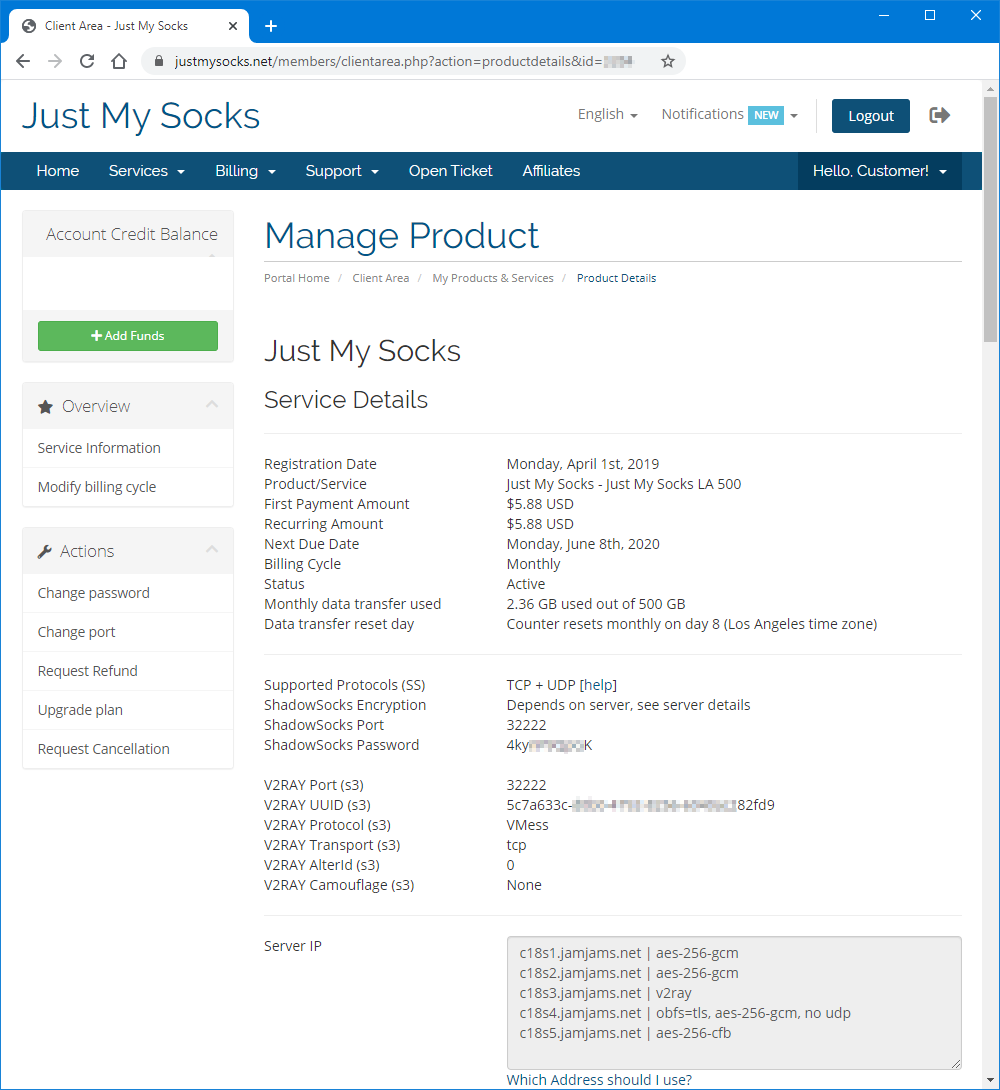
Install Shadowrocket
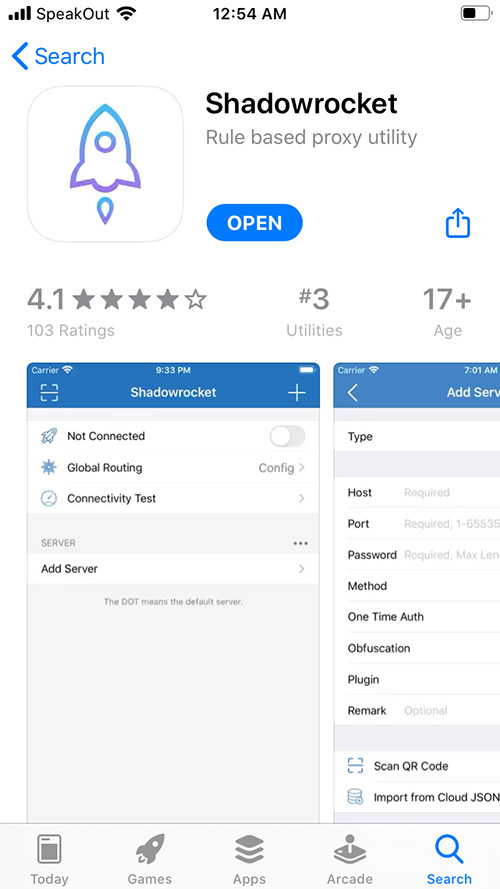
Install Shadowrocket from the App Store if you prefer the manual V2Ray route: Shadowrocket on the App Store.
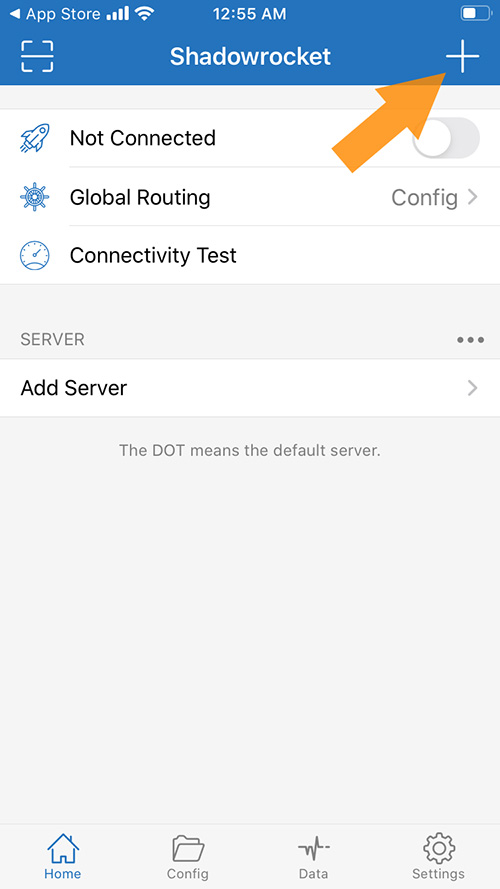
Add a V2Ray profile
Open Shadowrocket and create a new configuration profile.
Copy the V2Ray values from your Just My Socks service page into the matching fields in Shadowrocket.
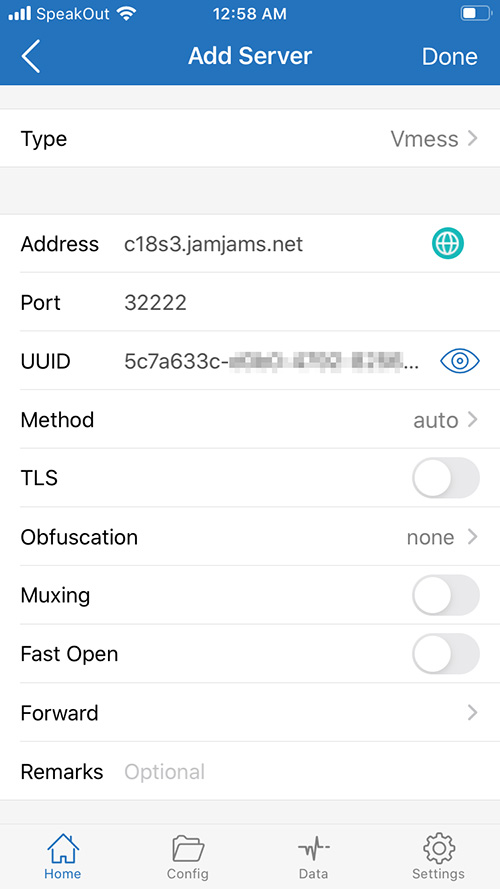
If your Just My Socks panel shows TCP+TLS, enable TLS in Shadowrocket and only use the insecure certificate option when the provider’s configuration requires it. Do not guess transport or TLS values; they need to match the service panel.
Connect from Shadowrocket
Save the profile, select it in Shadowrocket, and turn the connection on.
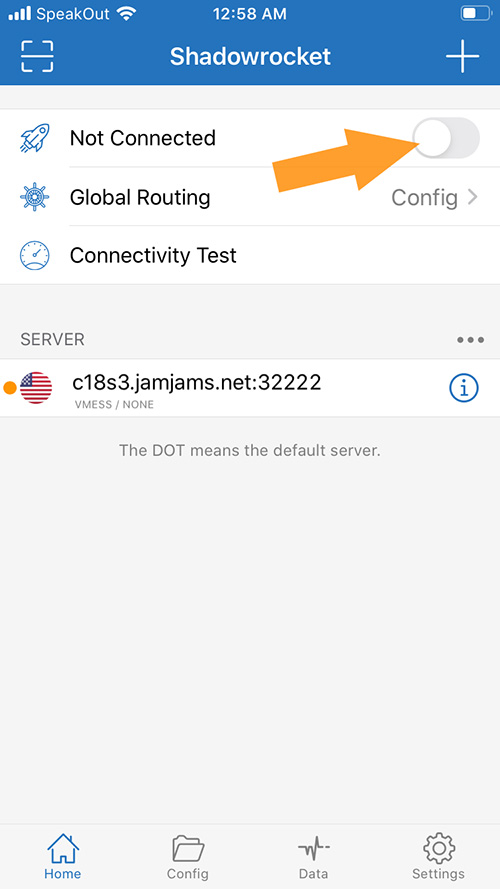
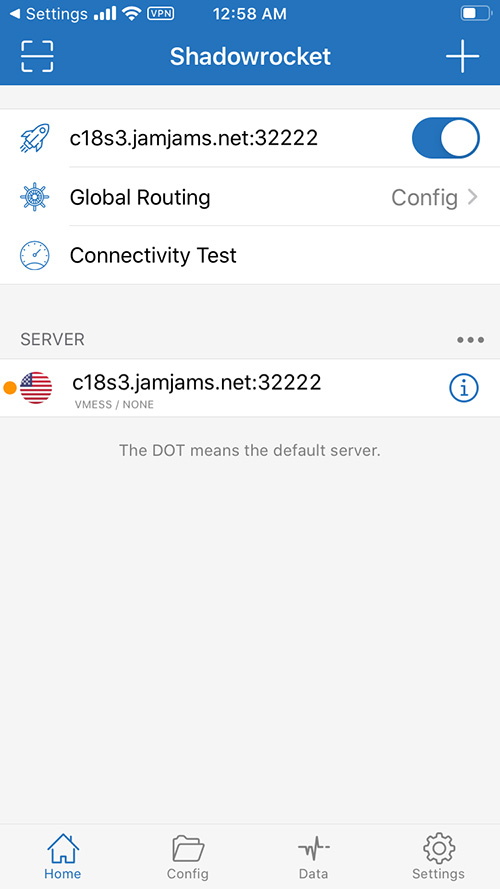
When the profile connects successfully, Shadowrocket should show an active connection state.
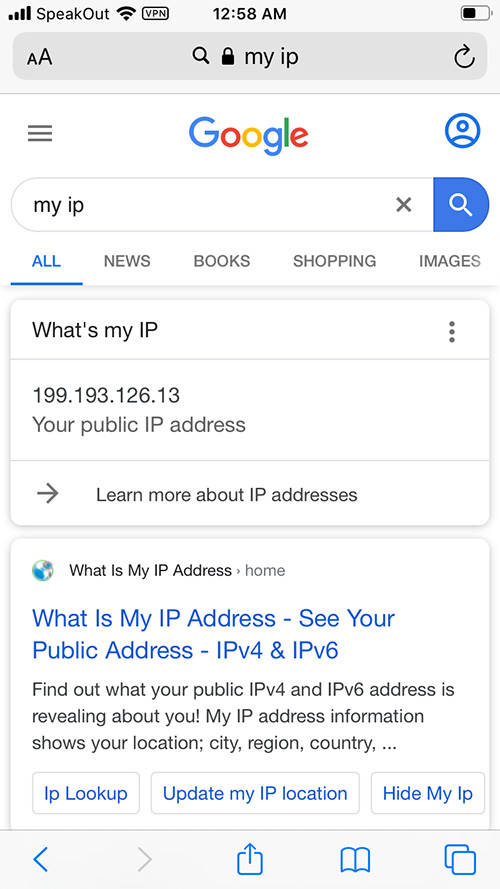
Open a few websites to confirm traffic is using the selected Just My Socks route.
If the connection fails, compare every field against the service panel again before changing routes. A mismatched port, UUID, transport, TLS switch, or password is enough to keep the iPhone profile offline.